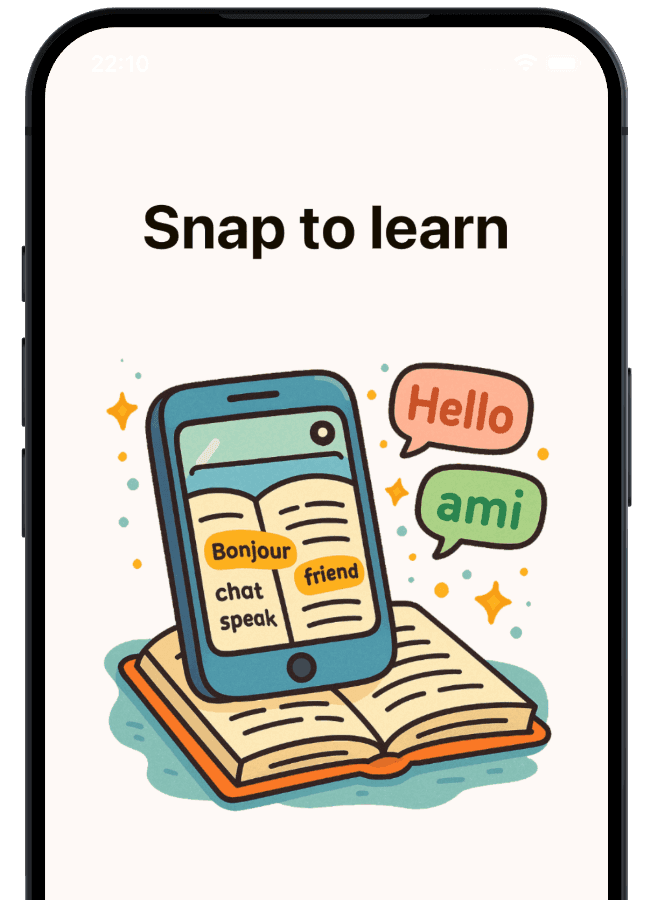
Turn textbook pages into vocabulary practice that sticks
Snap a workbook page, worksheet, or vocab list and start practicing in minutes. No manual flashcards — just real words, active recall, and writing-based practice.


Why this works
(especially for school vocabulary)
Most vocabulary apps stop at recognition. Snap to Learn is built for the harder part: recalling and spelling words from memory. By combining real study material with repeated writing, it turns passive review into practice that holds up in tests.
Start from real study material
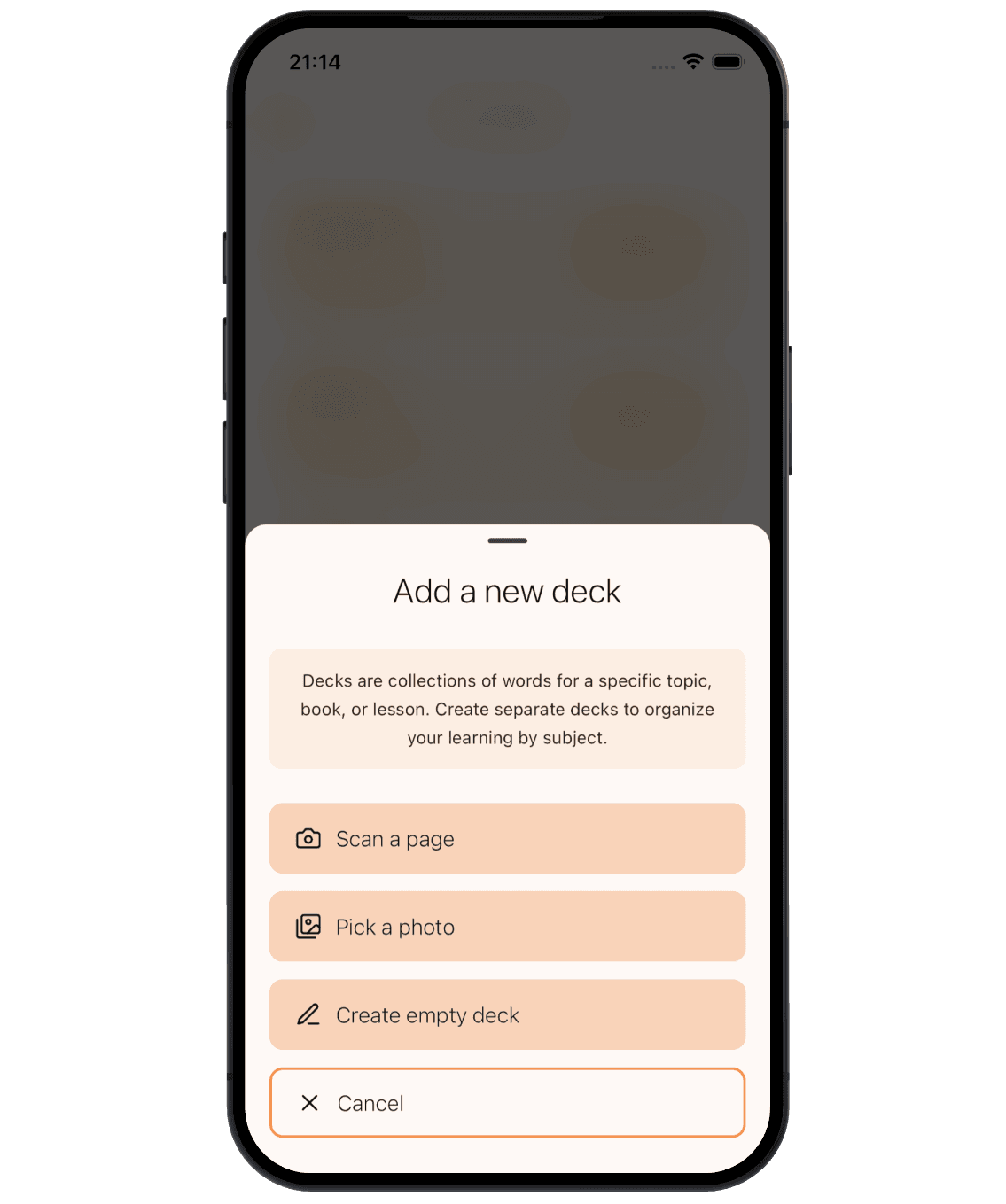
Scan textbook pages, worksheets, homework, or handwritten vocab lists — no typing, no manual flashcard setup.
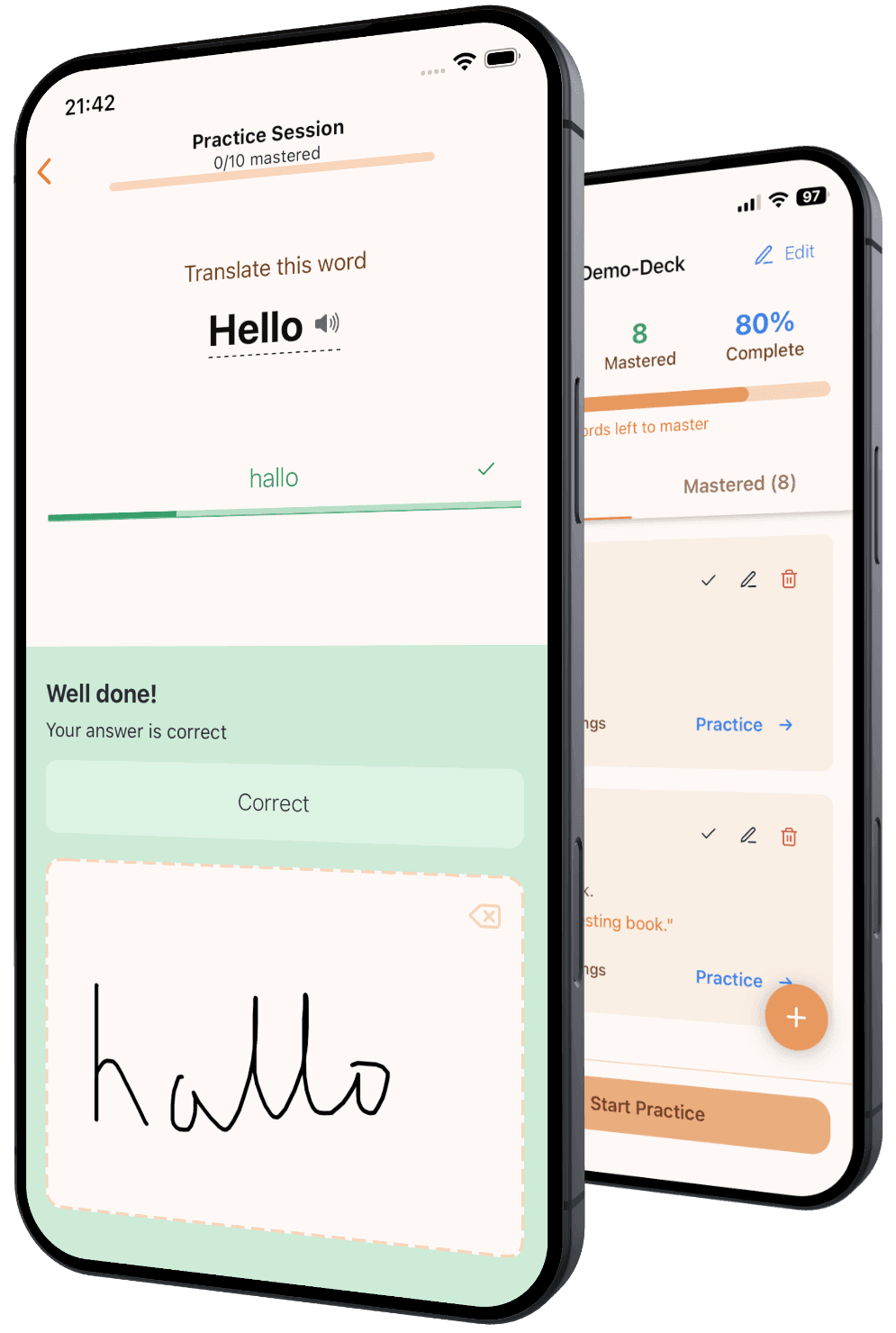
Practice by writing
Writing pushes recall, spelling, and memory harder than tapping through flashcards.
Mastery, not false confidence
Words are not done until you can write them correctly from memory — the way school tests actually demand.
Built for school vocab, language learning, and more
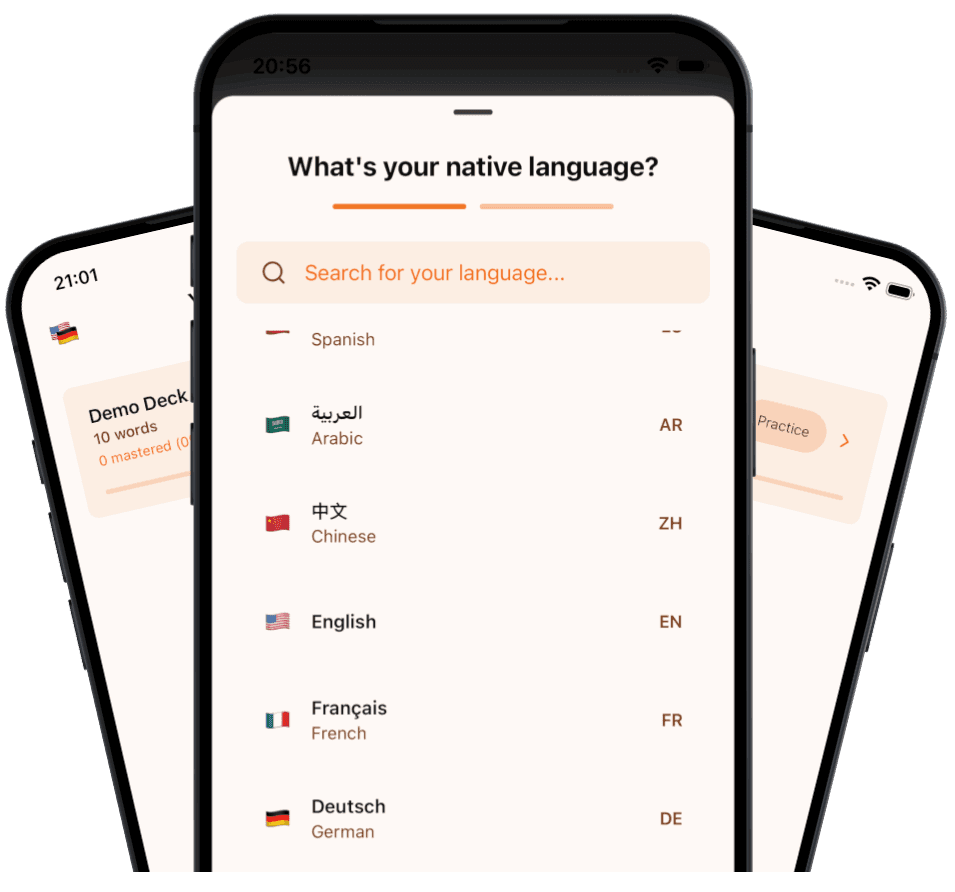
Pick your native language and target language, then practice from the material you already have. It works for school vocabulary, extra language practice, travel prep, and heritage languages — without forcing you into generic word lists.
Skip the painful flashcard setup
Snap a page or upload a photo and let the app turn it into a ready-to-practice deck. Snap to Learn extracts the useful vocabulary, cleans it up, and gets learners to the part that matters: actually practicing.
Practice in a way that holds up in tests
Practice happens in focused batches of 5 words. Each word must be written correctly 7 times before it counts as mastered. Make a mistake and it comes back — because familiar is not the same as learned.
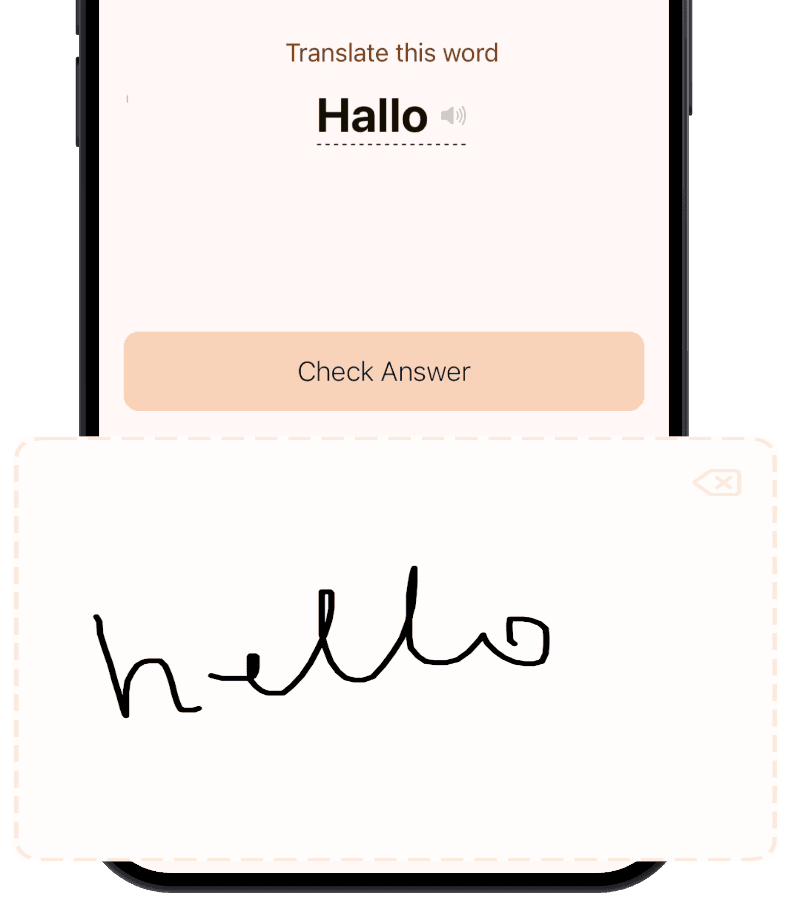
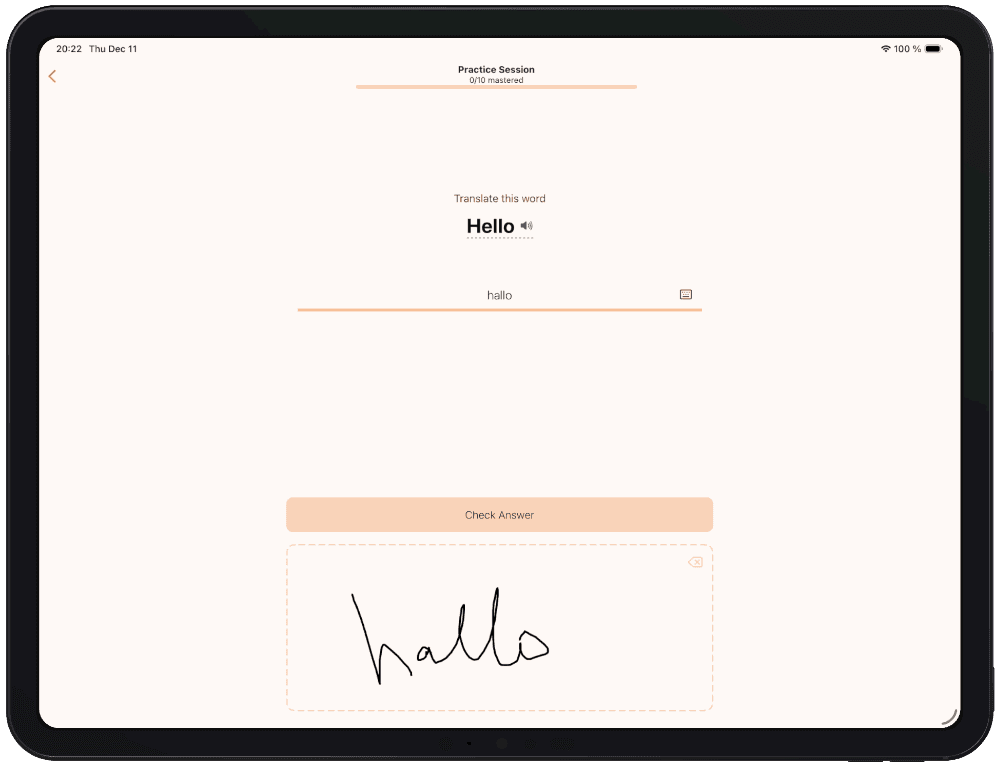
Write with a pencil or stylus
Handwriting pushes recall harder than passive review and makes spelling practice feel closer to the real test.
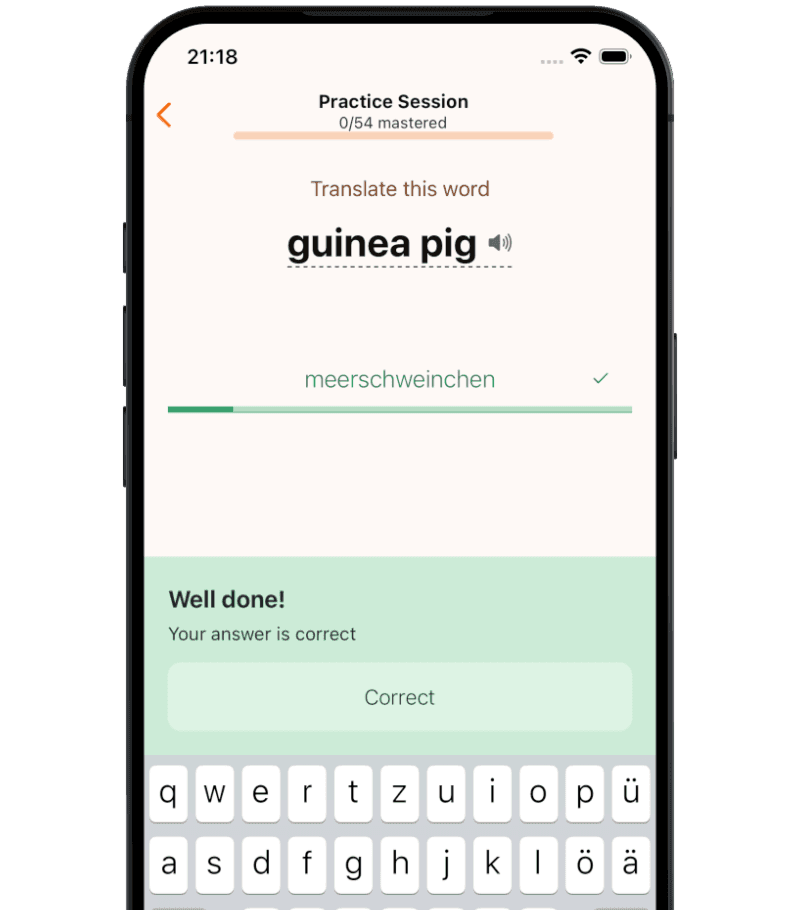
Or switch to the keyboard
Prefer typing for speed or accessibility? You can switch at any time without breaking your practice flow.
What learners and parents say
Rated 5 stars by users on the App Store and Google Play
Frequently Asked Questions
Is it free to use?
Yes. You can practice as much as you like and create unlimited word decks for free. Scanning pages is free for a few uses. After that, you can buy more scans or upgrade — practicing & tests are never locked.
Is this good for kids?
Yes. Snap to Learn is designed to be simple and distraction-free, making it great for kids and students. In fact, we originally built it for our 11-year-old daughter to help her focus on learning vocabulary.
Do I need an Apple Pencil?
No. You can use Snap to Learn with your keyboard, finger, or any stylus. A stylus isn’t required, but many users prefer it because it feels more like real handwriting.
Is my data private?
Your word lists are stored locally on your device. When you scan a page, the image is securely uploaded to our servers only to extract the text and is deleted immediately after processing.
Can’t find the answer to your question?
Contact us and we’ll get back to you as soon as we can.
Turn your next vocab list into real practice
Start free with 3 scans, demo decks, and unlimited practice.